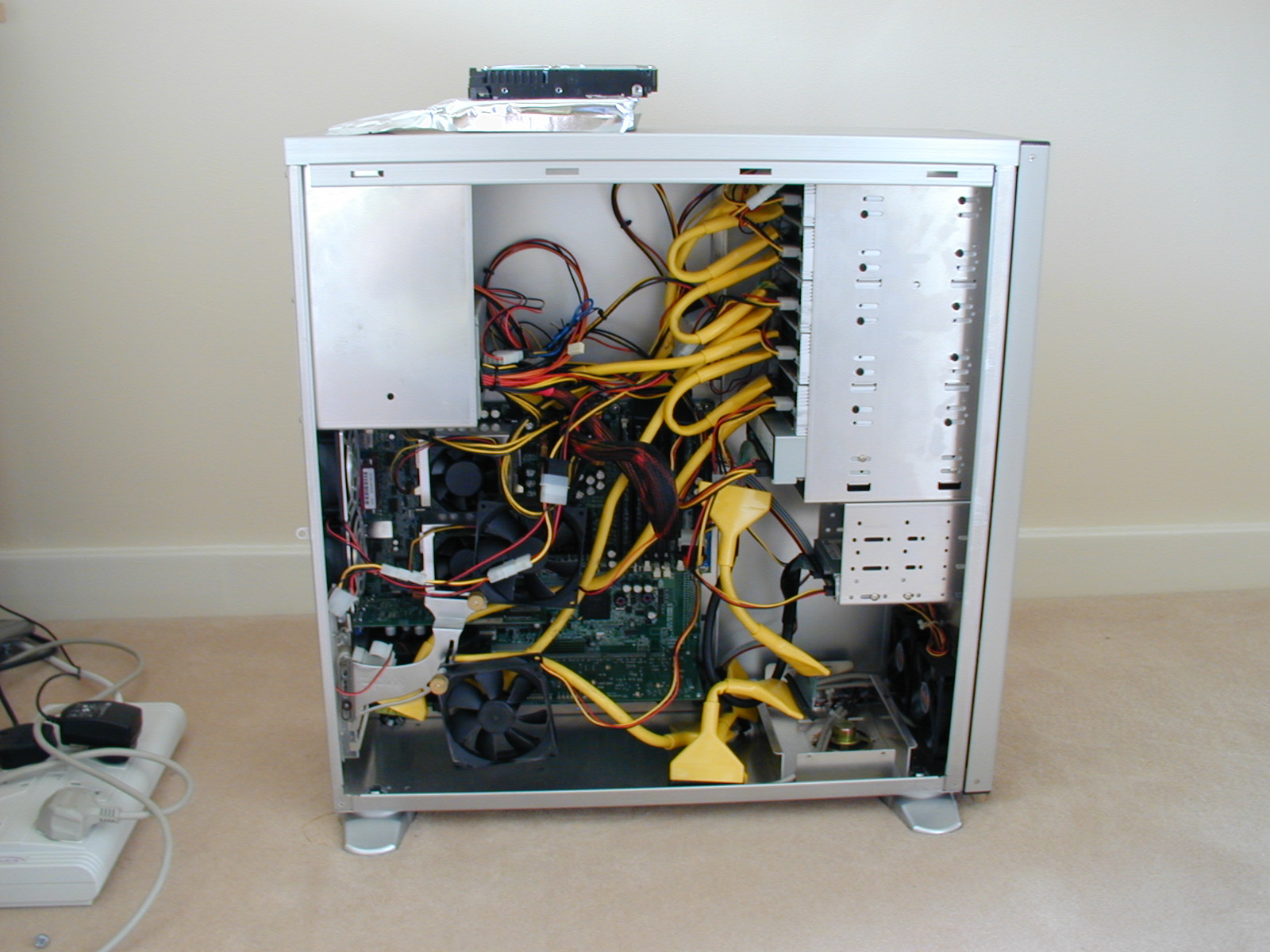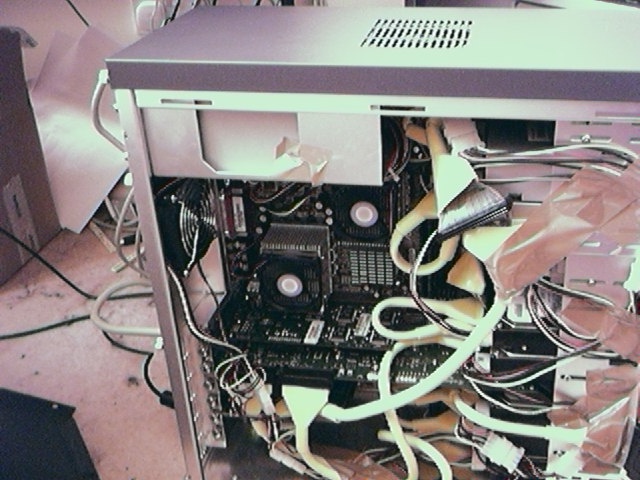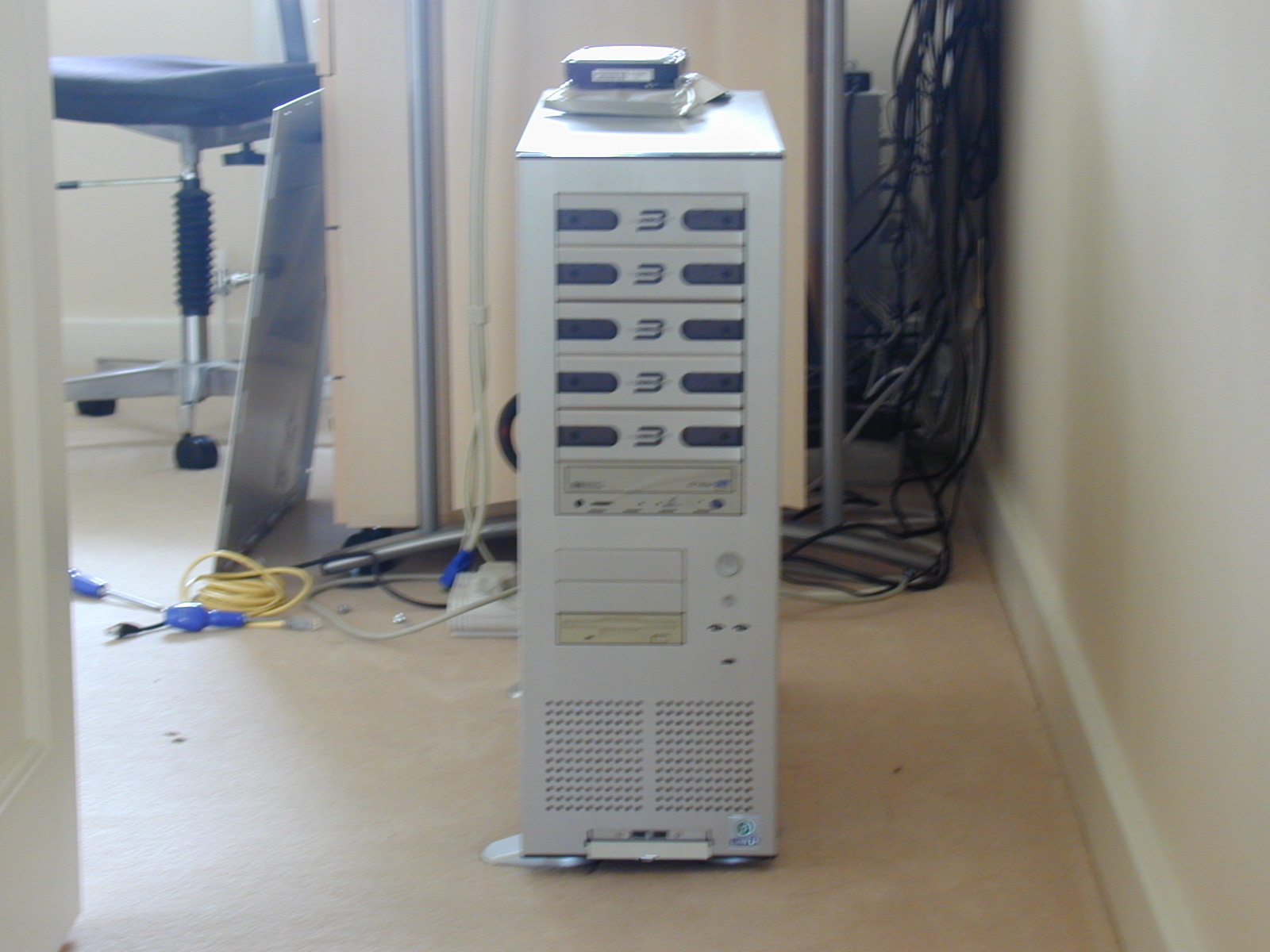
Zotac ION-ITX-F Wi-Fi Dual Core 1.6GHz Atom N330 Mini-ITX Motherboard with PCI Express x16 With Windows 7 Home Premium


Zotac ION-ITX-F

Originally uploaded by paulfarrow

After putting a power meter on my home entertainment system realised that my equipment was using a lot of power 350 watts at peak. So thought I would do some investigation into a recent low power mini-itx board from Zotac. I chose this one because it was dual core and it has a pci-express card on it which is good for a cable tuner I am looking at to use in it for when I am in the USA.

Ordered the board from mini-itx.com as they are the only people I could find doing this board. It came and everything looked fine except that the fan isnt fitted and there are no holes for it on the cpu heat sink. After talking with mini-itx they told me to screw it to the heatsink even though it doesnt have any predetermined holes. I also noticed that the manuals that came with it – the quick installation and the main manual werent for this board. Which was a great start.


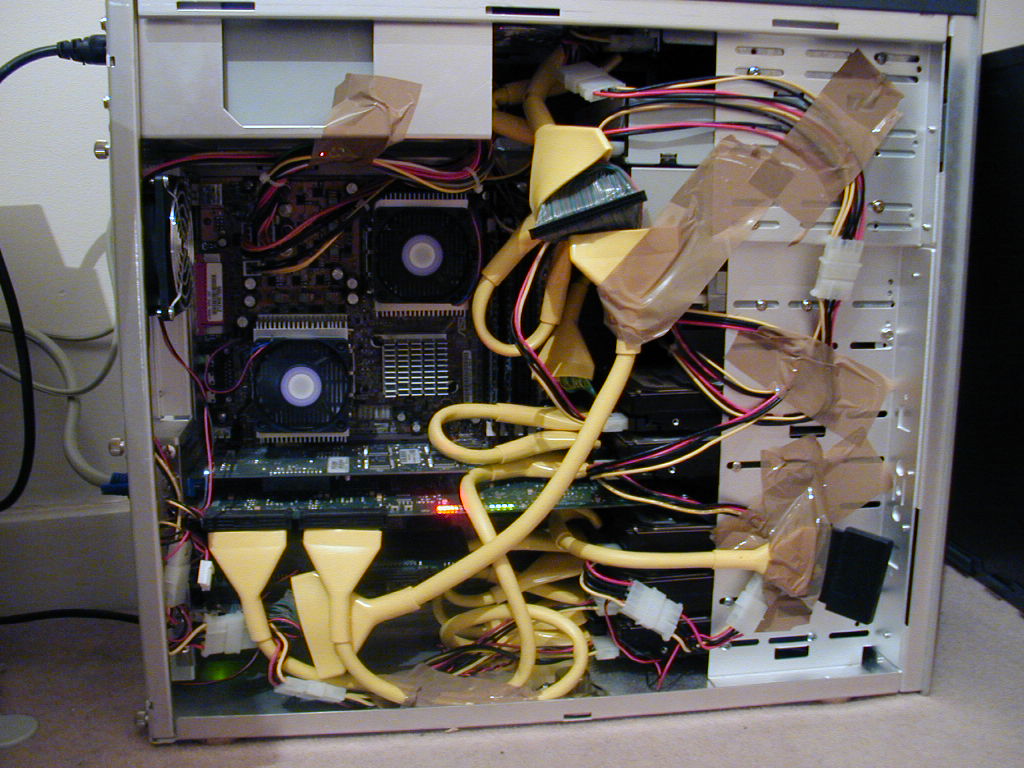
Zotac ION-ITX-F

Originally uploaded by paulfarrow

I had already converted my old system from Vista to Windows 7. I then put the new Atom board into my case and started it up. Immediately I was getting checksum errors and just stalled. I was like oh dear must be memory related so twiddled about a bit with the memory until I found the culprit. From going from 1 board to the other, one stick of my 2Gb DDR2 had decided to die.

Not a real problem as really 2Gb of memory should be ok for what that board needs to do. So once over that everything came up fine. I use this as my media center so mainly playing music and watching tv (SD & HD blu-ray).

Initial reaction was that its great. So lets put it through its paces, watching blu-ray with fast moving action – didnt phase it at all everything was running fine at 17% cpu and wattage was about 270 watts so it was already saving me about 70 watts of power. I then decided to get it to record two tv stations and watch a recorded program at the same time.

It did this as well although cpu was about going from about 50 to 75%. And when navigating through the menu it was a bit sluggish although livable. All in all it is great because it will save me money and the Windows 7 media center is a little better than the old Vista one.

FURTHER UPDATE:  having recently bought UP on blu-ray I have noticed something that is important for this board.  Some of the later blu-ray’s are recorded in MPEG4 – I have tested UP and The Taking Of Pelham 123, they are both recorded in MPEG4 unlike I Am Legend which is VC1.

MPEG4 is currently running at around 47% cpu usage which is fine on its own but if (like I was at the time of trying to play UP) you are recording tv at the same time its just a bit too much for the little NVIDIA ION board which then runs at 100% and frames and audio drop on the play back of the blu-ray movie.  Its a shame because its a great board and just what I want when the machine is on all the time but its a trade off between performance and cost of running the equipment.

Overall I am still impressed even though there are these obvious trade offs.
Started To Sell My Stuff On Ebay

Ok so I have decided to start listing all my stuff that I have lying about the house that isnt being used.  There is quite an extensive range.  So keep coming back to look at my sidebar to see what im selling.

Going to start with a pair of digital freeview tv tuners which I bought back in 2005 and have never used them. So get bidding if you want them…

[Ebay 260547177386] [Ebay 260547177560]

Vista, Windows Media Center, Windows Media Player And Blu-Ray DVD's

My last upgrade of my media center included a blu-ray media player, it was  a cheap LG player although wasn’t as cheap as they are today.  This was bought a few years back when they first came out but didn’t install it for some time until now.

Well I thought Vista was bound to support blu-ray and didnt think anything of it until I started to buy loads of new dvd’s and found windows media center and windows media player couldnt play them.  So what are the options, well currently they are

  • Cyberlink PowerDVD (current version 9)
  • Roxio CinePlayer DVD Decoder
  • Arcsofts TotalMedia Theatre

Well my experience is this, Roxio forget it wouldnt even register properly and looking on the NET couldnt find one person that had installed it successfully on Vista so got a refund straight away.  Arcsofts TotalMedia Theatre was the same installed but didnt play at all.  Now the board I have in my media center has the INTEL Graphics G35 chip so could be because of that as its not really that good enough to play Blu-Ray discs.

So I know a lot of people dont like it but the PowerDVD was the only thing that played the blu-ray movies for me on Vista with a motherboard that uses the Intel G35 chip.

And that concludes my findings now to buy a micro ATX motherboard that uses the NVIDIA 9400 chipset.

Antec Fusion Remote HTPC Case – Audio Control Doesnt Work

Just upgraded my media center case to an Antec Fusion Remote.  Now its a very well made case and has 120mm fans in them with variable speed control which is why it took my fancy.  It has full size slots as well as my older case could only take half height cards which is always a problem finding them.  I bought the silver one, disappointment here is that only the front is silver the rest of the case is black which is fine if you stack your machine with a silver av receiver that is silver as you wont see the rest of the case but if your like me that has them side by side its a little annoying that they didnt choose to do the whole case in silver but I guess its all because of cost and to be honest its way cheaper than say a zalman htpc case so I guess thats why.

I run an asus p5e-hdmi micro-atx board in it.  It isnt one of the latest micro atx media boards because i have had it hanging around at the house for nearly a year now.  I then push the audio out via coaxial to a sony av receiver running a 5.1 tanoy speakers.

The only problem I had with it was that the remote and variable control on the front of the case didnt adjust the sound / audio.  Having researched the Antec support area, they suggested upgrading the latest driver software for the vfd (lcd panel) and your motherboard.  Both of which still didnt make it work.

Then I saw that on the Asus support site that there was a realtek driver for the audio.  I then replaced the microsoft standard driver for the audio with the Realtek one and bazaaam it all works.

The only outstanding problem I have is that Microsoft Media Center doesnt control the audio when playing a dvd, but I have had this problem on my older media center so think Media Center cant control it as the ouput just seems to off load it out the coaxial audio cable to my av receiver.

The results are outstanding just need to upgrade my lcd tv to a full HD (1080p) one now rather than a HD-Ready (720p) but that will have to wait.

Front USB Ports not working on my Shuttle running Vista x64 Ultimate

After taking the Cypress update my front usb ports stopped working.  How did I fix it well if you go to the device manager (right click the computer icon in file explorer, click properties then click device manager [left hand side]) under Universal Serial Bus Controllers (right at the bottom) there is a device shown now called HX2LP kit (3.03.0000.2) I believe this is what causes the problem so I just uninstalled mine and rebooted.

After the reboot I get a generic USB hub appear and the front ports on my shuttle SD37P2 are now working.

Also when I run windows update again I dont see that update any more.

Getting Rsyncd, Vista and Backuppc to work

Recently upgraded to vista and for the life of me couldnt get the vista to work with rsyncd running from cygwin.  Would always stop with a code 12 error and not alot else.  I just run rsyncd or rsync with the daemon option as I dont belive the cwrsync works as a service yet on vista. 

Now in the backuppc config options for rsyncd and rsync there is a hard link option I just removed that and it seems to work not sure why vista cant deal with that option but if you remove it, everything works as it did before on windows 2000 / XP.

Returns / Warranty From Seagate

Well I sent back some drives in April 2007 and they say they never received them.  Basically they were some old IDE drives that were just in warranty so I wasnt too bothered.  Then this weekend May 2008 got an email saying they were sending me one of the drives repaired under warranty.  The other they say they never received even though the drives were boxed together.

So let me get this right they took 13 months to repair and return one of the two drives I sent them, and lost the other.  Must be a record !!!

Scythe Kama Connect 2

Ok bought the Scythe Kama Connect 2 device from Quiet PC yesterday.  Took delivery and at the same time as ordering it bought a Samsung 500GB SATA 3Gb/s hard drive to connect to it.  The reason for buying this little baby is that I hate opening cases everytime I want to configure a new drive. 

Before buying looked everywhere, did my research to see if any compatability issues with SATA and didnt appear to be so bought it.  Open it all up out of the box, nice little device plug in the Kama Connect 2 and power up my PC which is a shuttle running VISTA ultimate 64bit.  Straight away doesnt recognise the drive !!!  Scour the manual and finally find above the SATA diagram

“This product supports the reading/writing for S-ATA and S-ATA II devices, but not supporting the optional functions such as NCQ or 3Gbps”

great, looked back on the Quiet PC site to see if they had any mention of this none says supports SATA !!!

Next day got onto Quiet PC (Paul Lee) who were very helpful, got one out of the box and it worked for them so what was I doing wrong.  Borrowed another drive off my client and still couldnt read that.  Then thought about it a bit more and noticed there was no light on the power supply brick then looked at the two pin plug and the converter.  Thought about it for a minute what an idiot I had only plugged the plug into the earth socket ie. vertical rather than horizontally into the converter.  Switched it round and all worked as it should.  The disclaimer above about the 3Gb/s is just that it cant get to those speeds due to limitations on USB 2.0, I just thought it meant didnt support them full stop.

It really is a good little tool to have.  I fully recommend it and because Quiet PC were so understanding and helpful (as usual) I even recommend that you buy it from them

http://www.quietpc.com/gb-en-gbp/products/components/kama-connect2


Vista, Palm Treo 750v and Windows Mobile Center 6.1

Since upgrading to Vista have had a few problems syncing my Palm Treo 750v with the mobile center.  Read lots of places that upgrading to Mobile Center 6.1 helped well I dont think thats really the problem, the problem seems to be that the (or at least mine) Treo seems to have a mind of its own and gets stuck doing things ie. the bluetooth sometimes doesnt connect as the mobile is busy this seems to be the same with the syncing one minute it syncs the other it doesnt.

I normally find that once I have soft rebooted (taken battery out) the mobile it works fine whether it be mobile sync center 6.1 or 6.0

I run Vista 64 bit here as well for the record, just waiting for Birdie Sync to be compatible with vista 64bit then all will be good as I tend to run a mixture of windows and linux, prefer not to use outlook and use thunderbird instead as it has better support for IMAP.